Before you create
What is an AI Twin?
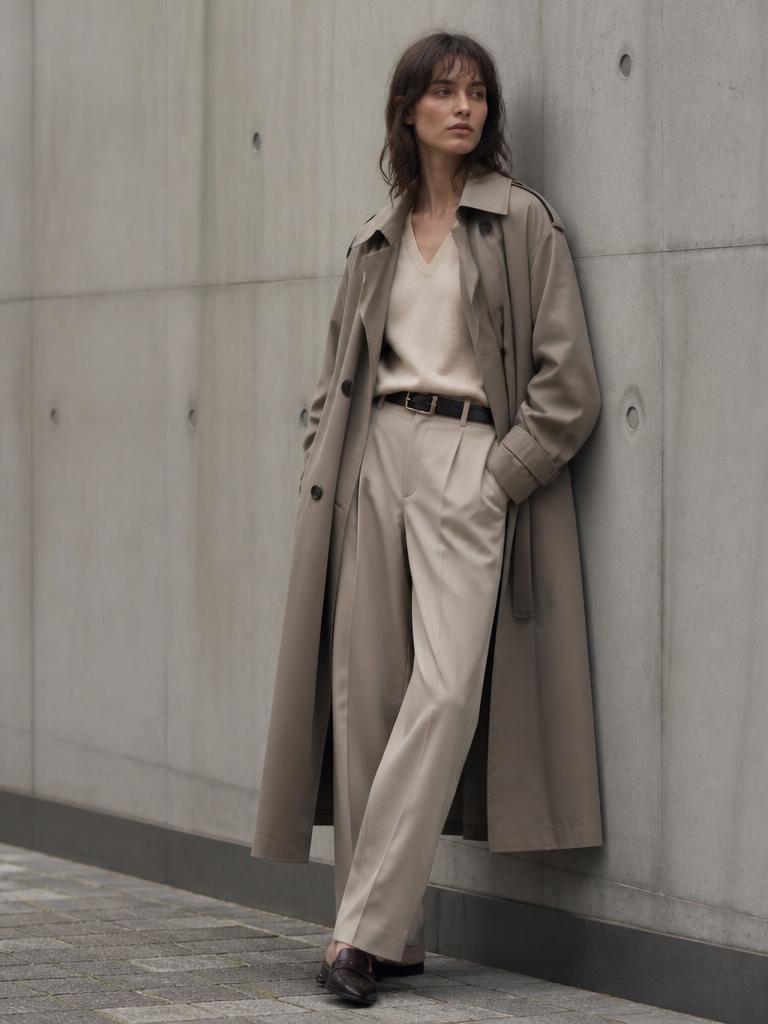
Think of it as your brand's stunt double. Once your reference photos are good, you can create new visual content any time — without booking another photoshoot.
Your AI Twin works best when the tool has a strong visual reference. Use clear, high-quality photos of yourself. Multiple angles, expressions and full-body images can help create more consistent results.
The rest is just describing what you want: the outfit, the place, the pose, the light. That's exactly what every prompt in this library does for you.
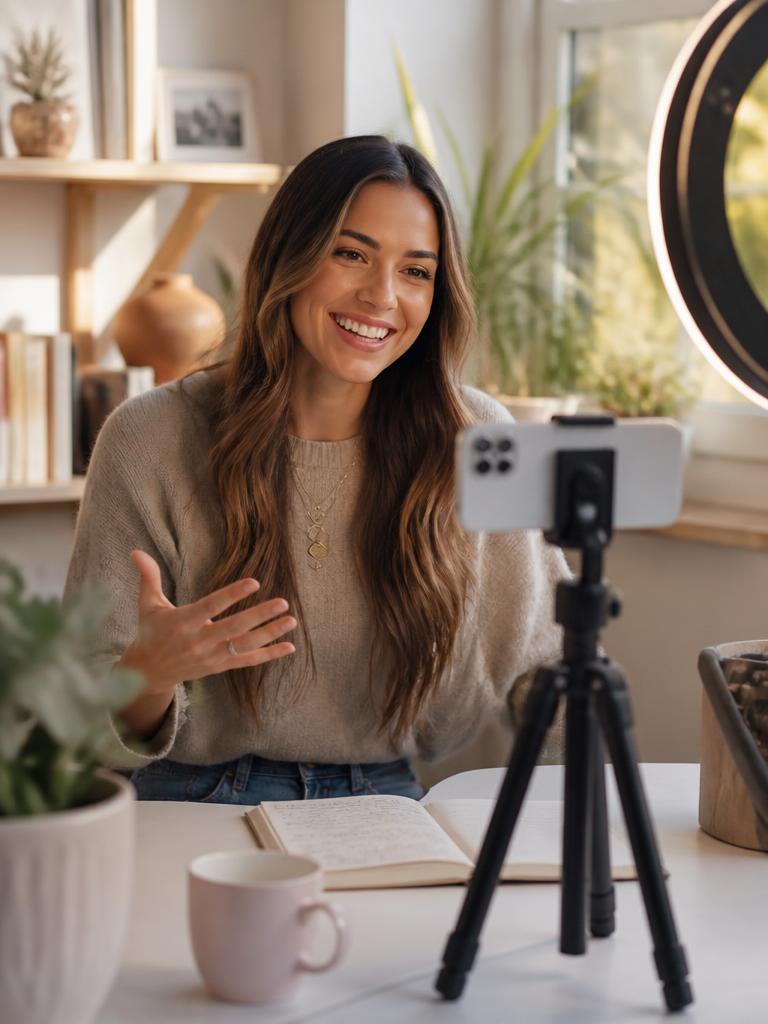
01
Clear face
Sharp, well-lit, nothing covering your features.
02
Different angles
Front, profile and three-quarter views.
03
Full-body photo
So your proportions come out right.
04
Different expressions
Smiling, neutral, laughing.
05
Good lighting
Soft daylight beats a dark room every time.
06
Consistent appearance
Similar hair and style across your photos.
Your reference checklist
- ☐Clear photos
- ☐Multiple angles
- ☐Different expressions
- ☐Full-body reference
- ☐Good lighting
- ☐Only you in the reference image
Gemini's interface and available features can change over time, but the creative prompting principles inside this library can be adapted as those tools evolve.
All example images are AI-generated placeholders, not real people. Swap them for your own examples in src/data/images.ts.
Done for you
Don't want to build your AI Twin yourself?
Skip the experimenting, tweaking, and wondering why your AI images don't look like you. I'll help create your AI Twin and give you a polished set of images you can actually use.
Get My AI Twin Done For Me